


Biography Shorts that hold up to fact-checking
Most faceless “history” channels are built on scripts that sound right and are wrong — invented quotes, shifted dates, nationalities the sources never state. Viewers notice, and so do platforms. This workflow was built for our own biography channel to solve exactly that: every fact in the narration has to come from the sources it fetched, or it is not spoken.
What one run produces
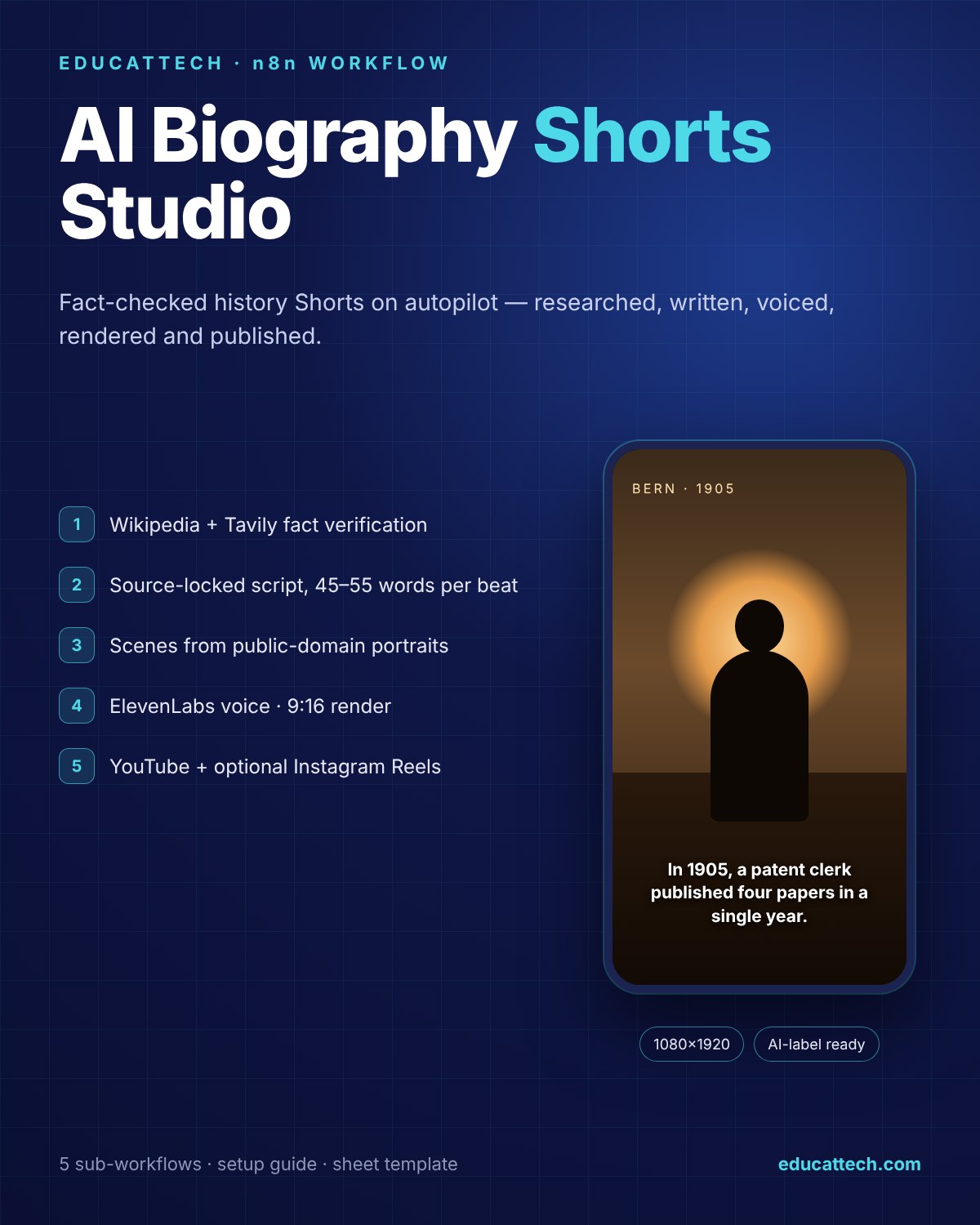
- A 9:16 Short (1080×1920, 25 fps) with ElevenLabs narration, one scene per narration beat and smooth Ken Burns motion
- A title, description and tags, uploaded to YouTube with the “altered or synthetic content” flag set automatically
- Optional Instagram Reel through Blotato
- A row in your Google Sheet for every video and chapter, and a Telegram report with the links
How accuracy is protected
- Wikipedia Guard rejects disambiguation pages, wrong-subject matches and stub articles; the researcher must then use Tavily — and if Tavily finds nothing reliable, the chapter gets shorter instead of invented.
- Source-locked prompts: no fact, quote, date or nationality label that does not appear in the sources. Dates are never converted between calendars or rounded.
- Validation with retries: chapter count, description length, word count per beat and image prompts are checked; the model regenerates up to two times before the run stops.
- Real faces only when allowed: the person’s Wikipedia portrait is used as a visual reference only if it is Public Domain or CC0. Otherwise scenes are faceless and nameless — no wrong faces.
- Publish Guard: nothing is uploaded unless every chapter rendered. An incomplete video is never published, and the person is not marked as used, so the next run can retry.
The pipeline
- Pick a person from a rotation of 490+ figures (science, arts, politics, sport, exploration) — fully editable
- Fetch and check the Wikipedia article; look up a licence-safe portrait
- Research chapters with GPT and Tavily, then write 45–55-word narration beats with a hook, story and payoff
- Generate one scene per beat (Seedream 4.0 via Kie.ai), animate it, voice it, cut each clip to the narration
- Combine, normalise loudness to −16 LUFS, publish and report
What is included
- Main workflow (62 nodes) and 5 sub-workflows: voice, scene image, videofy, clip, combine
- Google Sheet template with both log tabs
- English setup guide with credential table, customisation and troubleshooting
- Error workflow wiring with Telegram alerts
Requirements
n8n (Cloud or self-hosted, recent version), and your own accounts for OpenAI, Tavily, Kie.ai, fal.ai (ElevenLabs voice), Rendi (cloud ffmpeg), Google Sheets, YouTube and Telegram. Blotato is optional for Instagram. You pay each provider directly; running cost depends on video length and the models you choose.
DIY or VIP Installation
DIY Setup — download the package immediately and follow the guide; most of the work is creating credentials.
VIP Installation — we import the workflows into your n8n, connect your accounts, run the first video with you and walk you through customising the people list, voice and schedule.
Narration is in English. Need another language, a different niche or your own visual style? Request a custom build.



Reviews
There are no reviews yet.